
Digital vs. Analog is the Wrong Question
The better question is, What process gets the job done with the least amount of labor and the fewest chances for mistakes?
Key Takeaways
-
Labor is the true driver of margins, and ignoring it leads to hidden costs that quietly erode profit.
-
A shop-specific decision tree built on real production data replaces opinion and habit with consistent, profit-protecting routing decisions.
-
When order volume, garment variability, art complexity, and scheduling are evaluated systematically, digital and analog methods work together instead of competing.
At some point in your shop, there has been an argument about how to price and print an order. Should we screen print it, or use a digital method like a transfer or DTG? That feels like the right question, but it is not.
When shops debate print methods, they are usually reacting to pressure instead of following a process. Someone is in a hurry. The deadline is tight. An employee has a strong opinion. The decision gets made based on habit or comfort. This is where profit often starts to leak. The problem is not digital or analog printing.
The problem is choosing without a system.
The better question is this: What process gets the job done with the least amount of labor and the fewest chances for mistakes? Ink cost does not determine profit. Machine type does not decide profit. Labor does. Labor is the highest cost a shop pays every week. When labor is wasted on setup, rework, waiting, or switching between tasks, margins disappear. That is why shops need clear rules for how work moves through production. A defined process removes opinion and emotion, creating a single source of truth.
This article shows how digital and analog methods work together, where each fits, and how to build a simple decision-making system that protects profit rather than relying on opinions.
Digital, Analog, and Both

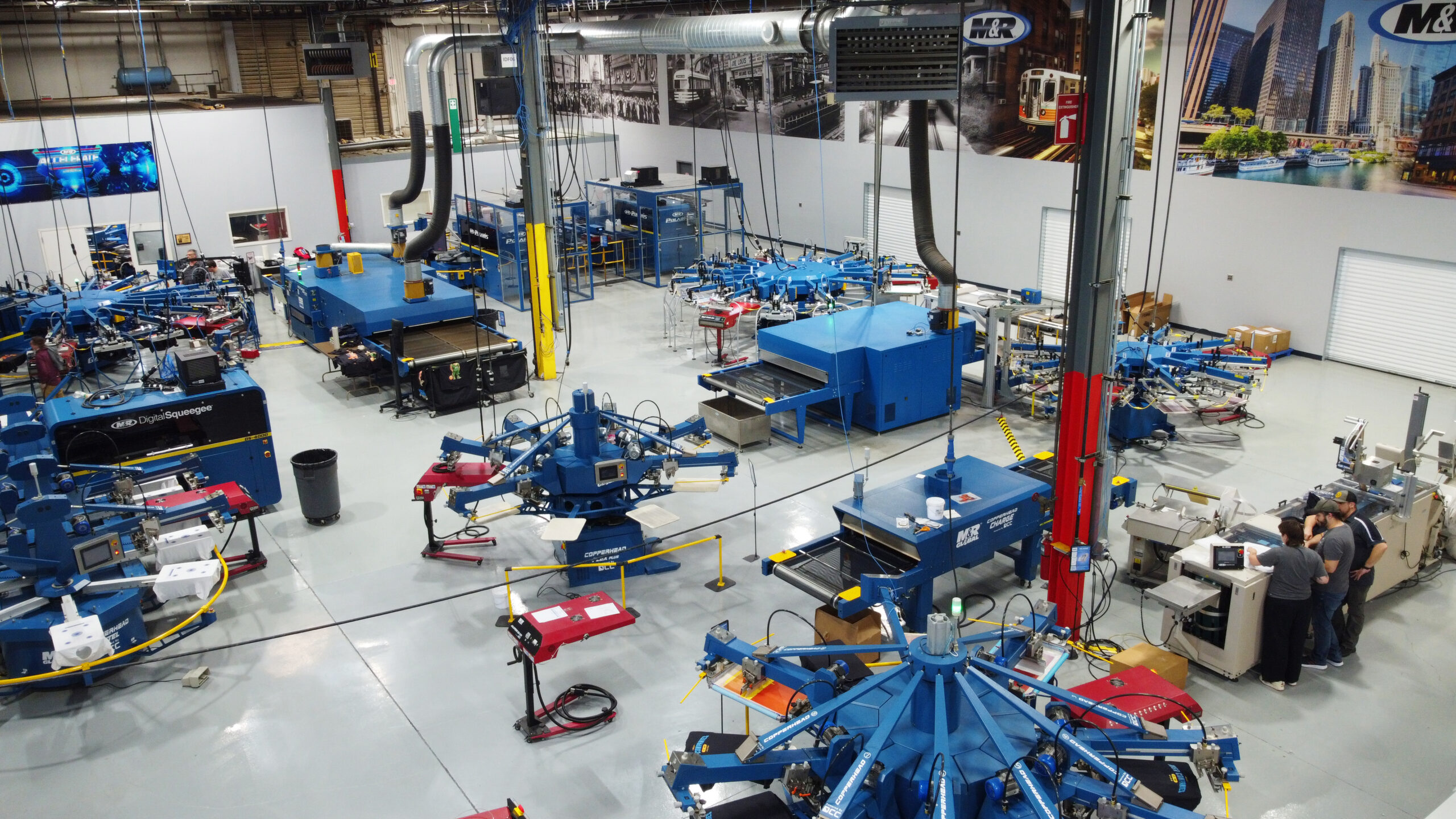
Healthy shops do not choose one print method and force every job through that door. They build coverage. Coverage means having more than one way to solve a production problem. Order sizes and complexity vary. One job might be twelve shirts with a simple front print. The next could be twelve hundred pieces with multiple print locations. At the same time, the product mix is wider than ever. Shops are decorating cotton, blends, performance wear, fleece, hats, bags, and more. On top of all this variety, customers expect faster turn times and have less patience for delays. No single print method handles all of these pressures well on its own.
Screen printing excels at repeatability and scale. It works best when volume is predictable and efficiency matters. Digital printing handles small orders and urgent work very well. It allows shops to react quickly and handle change with less setup. Hybrid methods exist because customers often want both outcomes simultaneously. They want speed and flexibility, but they also want durability or special effects.
This is not about owning more machines. It’s about creating more clarity in your decisions so that every job follows the path that makes the most sense for your shop.
The Cost Conversation Most Shops Get Wrong
When shop owners talk about costs, the conversation often goes in the wrong direction. Many focus on ink cost in digital printing. Others worry about ink usage in screen printing. Some look at consumables one item at a time and try to control each one. There are also people who get stuck using contribution margin as the main measure of profitability. The problem with all of these approaches is simple: They do not explain why jobs actually make or lose money.
Ink cost is nominal in screen printing. It is rarely the reason a job is not profitable. Ink cost is also not the main cost driver in digital printing. Even there, ink is only a small part of the total expense.

In most shops, labor costs determine profitability. Labor is the single largest cost a shop pays. Every order incurs labor hours from everyone who touches it. Setup time that does not earn revenue, switching between jobs, fixing mistakes, waiting for the next step, and stopping to solve problems all add labor without adding value.
Throughput and time per piece shape unit economics. The faster a job moves through the shop with fewer interruptions, the more profitable it becomes. Any costing model that ignores labor efficiency is incomplete. If a shop does not clearly understand how much labor each process requires, it cannot make good decisions. This is why rules and guardrails matter. Clear processes turn labor from a hidden problem into a controlled variable and create a single source of truth for production decisions.
Why Process Matters More Than Preference
It is no surprise that people fall back on what feels familiar. That is how humans are wired. In a shop, press operators lean toward the method they know best. Salespeople sell what is easiest to explain and fastest to quote. Managers step in and override systems when pressure rises and deadlines tighten. None of this happens because people are careless. It happens because habit fills the gap when rules are unclear.
The problem begins when decisions are driven by comfort instead of data. Without a defined process, the same job can be routed differently depending on who touches it or how busy the shop feels that day. That inconsistency creates confusion, slows production, and erodes profits.
Process exists to protect the business from human variability, and a strong process is built on metrics. Every production method in a shop has measurable outcomes tied to it. Labor hours per order, setup time, throughput, error rates, and rework all matter. Those numbers must come from your shop. What works for someone else does not apply if their labor rates, equipment, staff, workflow, or customers are different.
Decisions should be made using your math and your goals. When a process is supported by shop-specific data, emotion is removed from decision-making. Arguments fade. Predictability improves. A decision tree becomes more than a guide. It becomes a profit-protection tool, a conflict-prevention tool, and a training accelerator. When decisions are grounded in facts rather than opinions, the shop runs more smoothly, and results are repeatable.
The Decision Tree: A Single Source of Truth for Routing Work
A decision tree is a step-by-step system for guiding outcomes in a predictable way. It asks clear questions in a set order, so choices are made before pressure, emotion, or opinion are involved. In a shop, a decision tree can turn complex production routing decisions into a single source of truth, enabling consistent and predictable results.
Profit, speed, and consistent outcomes do not happen by accident. They happen when the same inputs guide the same decisions every time. It replaces debate with direction.
The decision tree starts with one rule that never changes: Always start with labor.
Before you think about ink, transfers, screens, or machines, you need to know your shop’s average labor cost per impression. This is simple math, and it should be based on your real production, not estimates or opinions.
Look at a normal production day. Track how long each method ran, how many people were involved, and how many impressions were produced. When you divide labor cost by total impressions, you get a clear cost per unit for each production type. That number becomes your baseline. You absolutely need to know your shop's averages.
In an example shop, that math might look like this:
- A DTF heat press station with one operator at $20 per hour runs seven hours and produces 145 imprints. That puts labor at about $0.96 per unit.
- Manual screen printing with one operator for the same time produces 228 imprints, landing around $0.61 per unit.
- An automatic press with a three-person crew at a combined $65 per hour produces 2,457 imprints, dropping labor to roughly $0.18 per unit.
Are there other costs? Yes. DTF has transfer costs. Screen printing has screens and ink. But those costs only matter after labor is understood. Labor is the highest and least flexible cost in the shop, so it must come first.
Step 1: Labor cost per impression at this quantity
Now apply that labor math to the job in front of you.
The art might be the same. The garment might be the same. The shirt color might be the same. But quantity changes everything. A 12-shirt order cannot absorb screen setup labor the same way a 1,200-shirt order can. Screen printing has a fixed make-ready time. When quantity is low, labor cost per impression stays high. As quantity rises, labor flattens quickly, especially on an automatic press with high throughput.
This step asks one clear question. At this quantity, which method delivers the lowest labor cost per impression? If the answer is clear, follow it. If labor efficiency does not make sense, stop here and reroute the job.
Step 2: Order volume, order flow, and reorder signals
Now, look at how orders arrive, not just how many pieces are on a single invoice. For many shops, online stores are starting to change the math. One design might come in as eight small orders totaling 24 pieces in one day. A week later, that same design might generate 170 orders, totaling over 650 pieces to ship. If you only look at individual orders, you might miss the signal.
This step is about heat, not simply volume. Track how many units of the same design are entered into the shop system daily. As volume builds, there could be a tipping point at which bulk screen printing becomes more efficient than running small-batch DTF transfers digitally. Do your own math, but for many shops, the crossover threshold is somewhere around 72 to 100 units of the same design per day. That number is not universal. Each shop must calculate its own rules based on labor, throughput, and client service-level agreements.
The idea here is simple. Digital methods handle early demand and variability well. Once a design becomes popular, screen printing in bulk becomes the smarter, more profitable path. For some shops that have invested in hybrid printing systems, they can drive the digital costs down with the speed of an automatic press.
This same idea translates well into a guardrail about quantity as a deciding factor. At a certain point in your shop, it will make more sense to screenprint the job. Your mission is to determine the quantity trigger for the production method.
Step 3: Garment and product variability
Another factor to consider is the garment or substrate being decorated. Different products behave differently in production. A smooth, athletic three-quarter-zip pullover might look and perform better with a DTF transfer than with screen printing. A lightweight rain jacket, on the other hand, may be suitable only for screen printing if the shell cannot withstand the heat of a transfer application. The decoration method must match the product first.
Next, look closely at how many changes the job requires. Every change adds labor. Switching garment colors, styles, or fabric types increases setup time and raises the risk of mistakes. An order may have an attractive total quantity, but if it requires many different setups, labor efficiency drops quickly. In those cases, a digital method may reduce overall labor cost even if the per-unit print speed is slower.
This step comes down to one question. Will consistency or flexibility produce the more profitable outcome for this job? Understanding how product variability affects labor enables the shop to make that decision using math rather than guesswork.
Step 4: Art behavior and customer expectations
Next, as part of the decision tree, evaluate how the art behaves in production and what the customer actually expects. This is where many shops oversimplify the decision. A simple one-color design does not automatically mean screen printing is the best choice. In many cases, a one-color transfer can be far more profitable.
Athletic names and numbers are a good example. Yes, they can be screen printed. But using a one-color transfer with the name and number as a single unit and heat applied is often the better option. It reduces setup and keeps labor predictable. Even at higher quantities, transfers can outperform screen printing when the job includes variable data or frequent changes.
The same logic works in the opposite direction. High-detail art or photographic designs do not automatically belong to a digital process. At larger volumes, screen printing can handle complex art profitably. Hybrid systems can also combine screen printing with digital elements to manage variable data while maintaining speed and consistency. The art itself does not decide the method. The labor required to produce the outcome does.
This step also requires understanding what the customer cares about. Some customers are very specific about feel, finish, and durability. Others simply want the job done and trust you to choose the right method. That difference matters. An explicit conversation with the customer sets expectations and prevents rework and frustration later.
The goal is not to impress the press operator. The goal is to deliver the result the customer expects using the most labor-efficient method available, or to price the job correctly to meet the shop’s established margin goals.
Step 5: Speed and scheduling reality
The final step in the decision tree is to validate the routing choice against your actual production schedule. The goal is to confirm that the selected method can be executed as planned without disrupting the established workflow or causing downstream issues.
Every shop should understand its average daily capacity by production method. How many orders and impressions can be produced per day using digital, manual screen printing, and automatic screen printing under normal conditions? These numbers should reflect real averages, not peak performance, best-case days, or manufacturer claims. Your actual data is what matters. Scheduling only works when capacity is clearly defined and consistently respected.
This step is not about forcing bad decisions. You would not take a 1,000-piece job that belongs on an automatic press and turn it into a heat-transfer job just because the auto is booked. Likewise, a small 16-piece digital job does not belong on an automatic press just to “keep it moving.” When the correct method is overloaded or unavailable, the solution is usually a scheduling adjustment or a reset of customer expectations, not a change in production method.
Scheduling is not about chasing the fastest option. It is about executing the right option at the right time. The decision tree works best when routing, capacity, and scheduling are aligned without breaking the logic established in earlier steps. When scheduling reflects reality and routing respects the math, the shop remains efficient, predictable, and profitable.
Common Mistakes Shops Make Without a Decision Tree System
Most shops aren’t as profitable as they could be because they are lazy. They fail because they work very hard in the wrong direction. You can be extremely busy and still end up with disappointing profit numbers at the end of the month.
This is because every day, thousands of micro-decisions and indecisions quietly eat away at profits. This usually happens when shops wing it. When production method decisions are made job by job or by the whim of the person entering the order, this can lead to unpredictable results.
Many people think ROI means “return on investment.” If you’ve taken one of my classes before or have been a coaching client, you know that for me, I teach it to mean “return on intent.”
You get what you aim for.
If your goal is just to get the order out the door, that is what the shop will do. If the goal is consistent profit, the decisions made must support that outcome every time. Processes force clarity.
This means proactively understanding your shop’s math, setting rules, and choosing directions with a decision tree in advance of an order arriving to achieve the best outcome for the client and the shop. It also means leaning into decisions that are uncomfortable, such as saying no, changing habits, building new workflows, or adjusting customer expectations.
Shops that rely on guesswork get guesswork results. A process is a decision made in advance. More profit lives on this side of the street.
So, should that order be digital, analog, or hybrid? It’s your decision. Hopefully, you know why you are choosing it.