
Today's Tip: Transparent Backgrounds
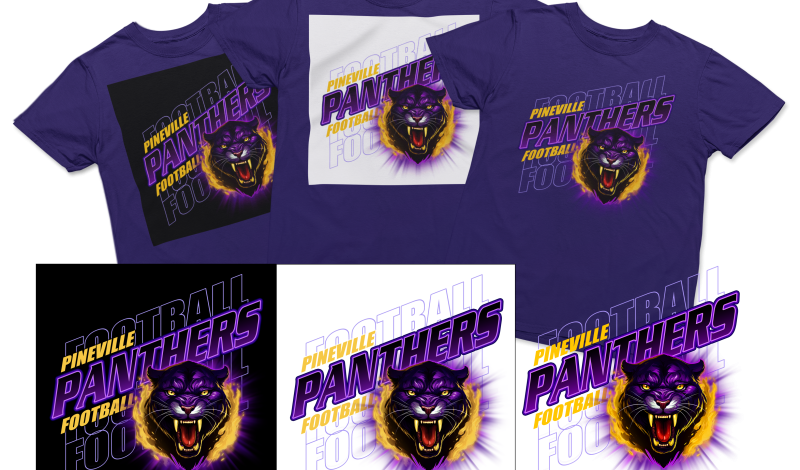
Always create your art on a transparent background! Like size and resolution, transparency doesn’t affect vector art like it does raster art. When setting up a raster file, you want to make sure you set it up with a transparent background. You don’t want to paint on a colored background or flatten your image because it will affect your separations.
Any color in the background will be included on the corresponding separation. If you were to print the separations, the solid background color would print on your garment as well. By working on transparent layers, there is no background color to interfere with the separations. You can always create a layer underneath the art layer(s) and fill it with a solid color to match your T-shirt color so you can see how it will look, but always remember to turn it off or delete it when you save your final file for separating.


